Powered By


Powered By
Powered By
This is a surprising thing to think about for 2026: more people who are looking for something will see your Google Business Profile than they will actually visit your website. Your Google Business Profile is going to be seen by customers than your actual website.
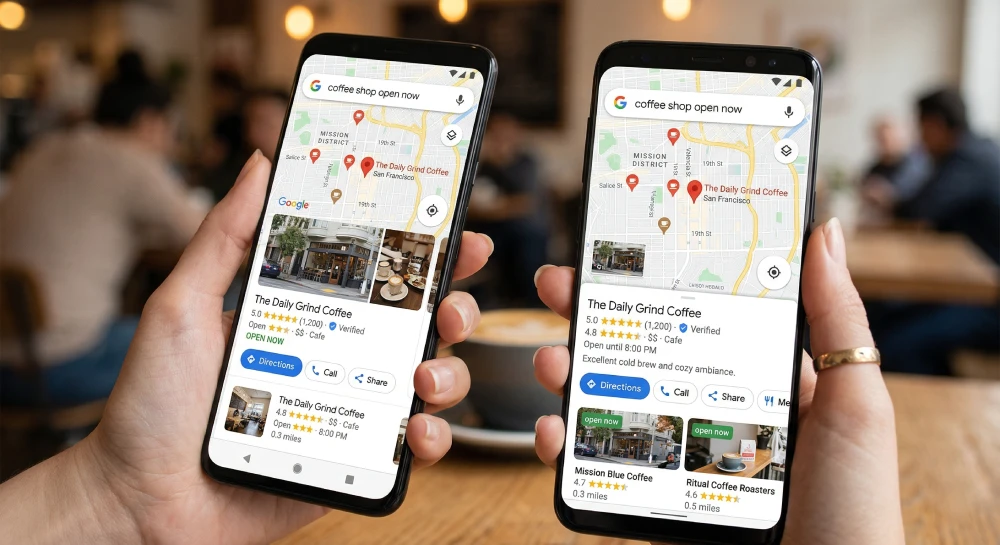
Think about your own search behavior. When you search for something like “coffee shop open now,” you usually look at the map results first. The map shows nearby locations, star ratings, photos, and business hours.
Most people never visit the actual website. They simply get all the information they need directly from Google.
This is called a Zero-Click Search. Users find the information they need without leaving Google’s interface.
If your Google Business Profile (formerly Google My Business) only includes your business name and address, you may be missing valuable opportunities to attract customers.
Your Google Business Profile should not be treated as just a listing. Instead, think of it as a mini-homepage inside Google where customers can interact with your business.
Here’s how to turn a basic map listing into a powerful lead-generation tool.
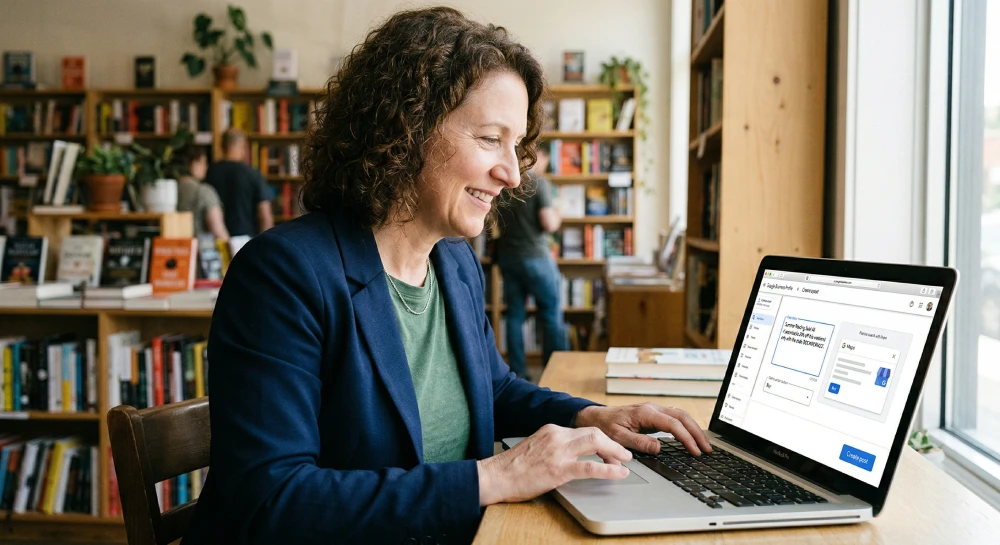
Google Updates—previously called Google Posts—allow businesses to share content directly on their Google Business Profile, similar to posting on social media.
These updates appear directly within your business listing when customers search for your company.
Posting updates weekly helps maintain an active profile and reminds potential customers that your business is actively serving clients.
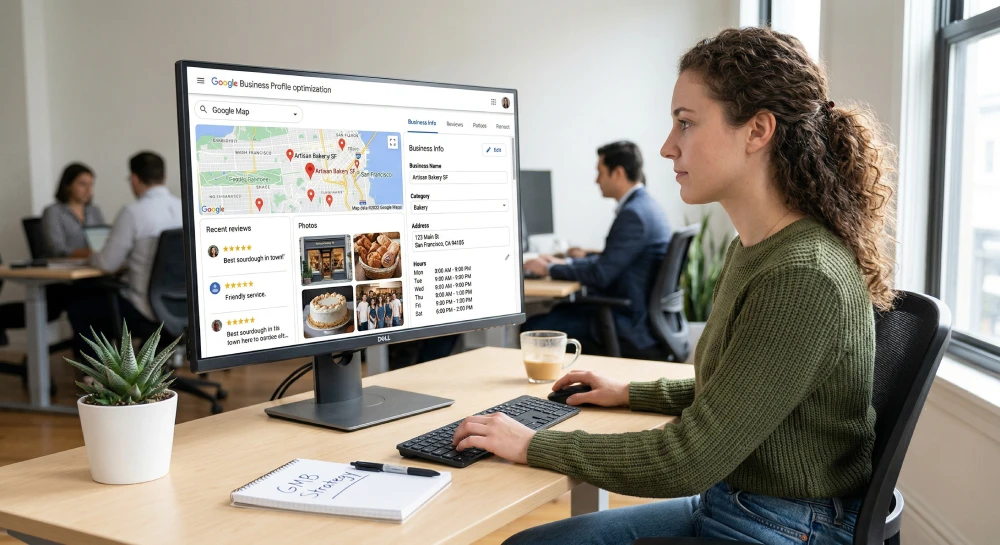
The Questions & Answers section allows anyone to ask or answer questions about your business. This means incorrect information can appear if you do not monitor it.
Instead of waiting for customers to ask questions, businesses can proactively add and answer their own FAQs.
Answering these questions ahead of time removes obstacles for potential customers and helps them make decisions faster.
Many service-based businesses assume the “Products” section only applies to physical items. However, services can also be presented like products.
For example:
Google Business Profile includes a messaging feature that allows customers to send direct messages from search results.
This is particularly useful because many modern consumers prefer texting over phone calls.
For example, a potential customer might send a message like:
“Hi, do you have availability for a haircut at 5 PM today?”
Google tracks your response time. If responses are slow, Google may remove the messaging feature.
Set up an automated response message such as:
“Thanks for messaging us! We’re currently assisting a client but will reply within one hour.”
Your business description should do more than simply state when your company was founded.
Google provides up to 750 characters in this section, which should be used strategically.
Paragraph 1 – The Problem: Explain the problem your customers face and how your business solves it.
Paragraph 2 – The Trust: Mention awards, certifications, guarantees, or years of experience.
Paragraph 3 – The Keywords: Include important services and location keywords naturally.
Modern customers want to see what it feels like to do business with you. Real photos build trust much better than stock images.
Uploading new photos regularly signals to Google that your business is active.
Your Google Business Profile should not be treated as a simple listing. It is an active marketing platform where customers discover your business, interact with your services, and decide whether to contact you.
A well-optimized profile can generate significantly more calls and leads than a basic listing.
If you don’t have time to manage your Google Business Profile, our SEO management plans include full profile optimization.
We regularly publish updates, upload photos, monitor questions, and track ranking performance to help businesses turn map searches into paying customers.
Want to see how your profile performs? Contact us for a free Google Business Profile audit.
Google Business Profile is a free tool that allows businesses to manage how they appear on Google Search and Google Maps. It helps customers find your location, read reviews, view photos, and contact your business, making it essential for improving local search visibility.
An optimized Google Business Profile increases visibility in local search results. When businesses regularly update posts, add photos, answer questions, and list services, potential customers are more likely to call, message, or visit the business.
Google Business Profile posts allow businesses to share updates, promotions, events, and announcements directly in their listing. These posts attract attention in search results and encourage users to take action.
Businesses should update their Google Business Profile at least once a week by posting updates, uploading new photos, or responding to customer reviews and questions. Regular updates signal activity to Google and help improve local rankings.
981 Main St West, Hamilton, ON L8S 1A8, Canada.

Priyank Patel is the Founder & CEO of HRINFOCARE Limited. With over 20 years of experience in web development, software solutions, AI integration, SEO, and business automation, he has helped companies across Canada, the United States, and internationally build scalable digital solutions.
Unlike traditional agencies where consultations are handled by sales representatives, your strategy session is conducted directly by Priyank, providing practical business and technical guidance based on real-world experience.

